
vibecademy
一个基于 Next.js 的启动项目,包含 vibe-coding 所需的各种服务和工具。
Repository Info
About This Server
一个基于 Next.js 的启动项目,包含 vibe-coding 所需的各种服务和工具。
Model Context Protocol (MCP) - This server can be integrated with AI applications to provide additional context and capabilities, enabling enhanced AI interactions and functionality.
Documentation
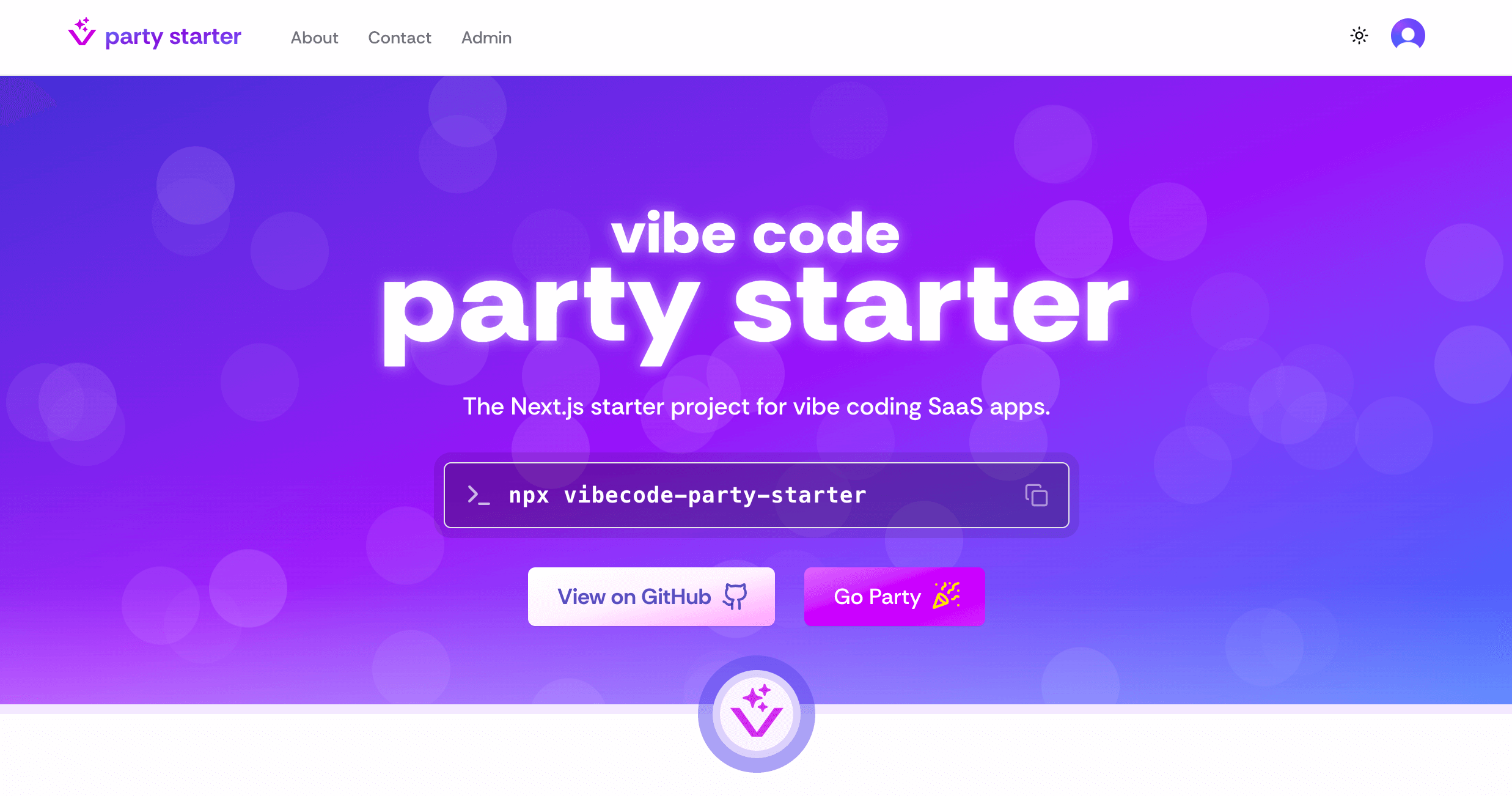
Vibecode Party Starter
VibeStarter is a Next.js starter project that comes with everything I need to get started with a new vibe-coding project.
Initializing Project
You can install with a single command, then answer the prompts:
npx vibecode-party-starter
Services
You will need to create a .env file and set environment variables for the services you wish to use (see below).
Shadcn/UI for Components
The components in this starter have been built on top of the Shadcn/UI component library, which itself uses other libraries like TailwindCSS for styling, Lucide icons and many others. For making new components, you can install more from the ShadCN/UI library, generate them with Cursor or v0, or find compatible components built by the community.
Clerk for Auth
If using Auth, create a new project on Clerk then add the environment variables to .env
NEXT_PUBLIC_CLERK_PUBLISHABLE_KEY=
CLERK_SECRET_KEY=
You will need to set up individual oAuth integrations (e.g. Google, Github, etc) in the Clerk dashboard for your project.
User auth components are already built into the starter project. If you are not using Auth, you will need to remove these.
Admin users are created by adding Clerk User Ids into an environment variable on .env:
ADMIN_USER_IDS=user_1234567890,user_0987654321
Supabase for Cloud Database
If using a database, create a new project in Supabase then add the environment variables to .env
NEXT_PUBLIC_SUPABASE_URL=
SUPABASE_SERVICE_ROLE_KEY=
SUPABASE_PROD_URL
You can find the NEXT_PUBLIC_SUPABASE_URL and the SUPABASE_SERVICE_ROLE_KEY under Configuration > DATA API > Project API Keys.
SUPABASE_PROD_URL is in the format of:
postgresql://postgres:YOUR_DATABASE_PASSWORD@db.YOUR_PROJECT_ID.supabase.co:5432/postgres
AWS S3 for File Storage
To use AWS for File Storage (images, etc), create a new public S3 bucket then create a new IM user with Admin S3 permissions for that specific bucket only, then add the environment variables to .env
AWS_KEY=
AWS_SECRET=
AWS_REGION=
AWS_BUCKET_PUBLIC=
For images, it is recommended to use Cloudfront for a better cache strategy and to help stay under the image transformation limit with the Next.js Image component and Vercel. Create a new Cloudfront distribution and load all your images via the Cloudfront domain rather than S3.
CLOUDFRONT_DOMAIN=
AWS S3 for Flat File Database
For projects where data is not very complex and changes less frequently, using S3 as a flat file database can be a good option. To do this, you can do the same steps as above but keep your bucket private and do not use Cloudfront (unless you want all the data to be public)
SendGrid for Email
To use SendGrid for programatically sending emails, create a new SendGrid project then add the environment variables to .env
SENDGRID_API_KEY=
SENDGRID_SENDER=
Once you have done this, you can start integrate SendGrid into your other services like Clerk and Stripe.
Contact Form
For the contact form to work, you will need to add a contact email as an environment variable. This is the email you wish for SendGrid to forward messages from the contact form. It will not be publicly available.
CONTACT_EMAIL=
The contact form in the starter include a ReCAPTCHA integration to prevent bots from sending emails. To configure this, you will need to create a new Google ReCaptcha Site then add the environment variables to .env
NEXT_PUBLIC_RECAPTCHA_SITE_KEY=
RECAPTCHA_SECRET_KEY=
Stripe for Payments
If using payment, create a new project on Stripe then add the environment variables to .env
NEXT_PUBLIC_STRIPE_PUBLISHABLE_KEY=
STRIPE_SECRET_KEY=
AI SDK
We have hooks available for:
- Generating text with
useGenerateText() - Generating an array of strings with
useGenerateStrings() - Generating structured data with
useGenerateObject() - Generating images with
useGenerateImage()
Local Development
To start the app:
pnpm dev
Linting
The starter project has been set up with eslint and prettier, and is set to automatically format your code with every save and every copy/paste.
You can lint with:
pnpm lint
Testing
As vibe-coding projects grow, it becomes increasingly likely that AI will make breaking changes. By adding tests at the start, you can have confidence even when vibing that your application works.
To start using tests with party starter, you will need to create a test user. After you have completed the steps for setting up Clerk and have added the environment variables to your project, run your application on localhost and sign up for an account with an email address you own, and a new password for the project. Use the email confirmation code to complete the signup process.
If using a database, run a local version with init and teardown scripts to start with a clean version of the data on every run. Create seed scripts that populate the database for your various test cases.
We use playwright for testing in the starter project. It has a built-in UI mode where you can pause the debugger and record your interactions that will auto-generate test code as you go.
To open the test console:
pnpm pw
To run the entire test suite in headless mode:
pnpm test
MCP Rules
In the .cursor/rules there are a number of MDC rules that help with keeping Cursor from making mistakes so you can keep the vibes going. You may want to customize the following rules:
003-openai- Sets preferred OpenAI model. Only need if using the OpenAI API.101-project-structure- Guidelines when creating new files to maintain consistent project organization200-*- Supabase rules. Only need if using Supabase300-*- Auth rules for Clerk. Only need if using Auth
Deployment
For your services to work in production, you will need to add all the environment variables to your production server.
Quick Start
Clone the repository
git clone https://github.com/johnpolacek/vibecademyInstall dependencies
cd vibecademy
npm installFollow the documentation
Check the repository's README.md file for specific installation and usage instructions.
Repository Details
Recommended MCP Servers
Discord MCP
Enable AI assistants to seamlessly interact with Discord servers, channels, and messages.
Knit MCP
Connect AI agents to 200+ SaaS applications and automate workflows.
Apify MCP Server
Deploy and interact with Apify actors for web scraping and data extraction.
BrowserStack MCP
BrowserStack MCP Server for automated testing across multiple browsers.
Zapier MCP
A Zapier server that provides automation capabilities for various apps.